PixelPerfect Text MZ
A downloadable RpgmakerMZ Rpgmaker
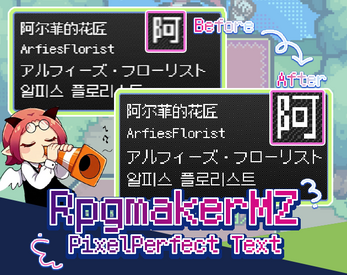
Are you tired of blurry text ruining your pixel-art game in RPG Maker MZ? I was too.
 Introduction
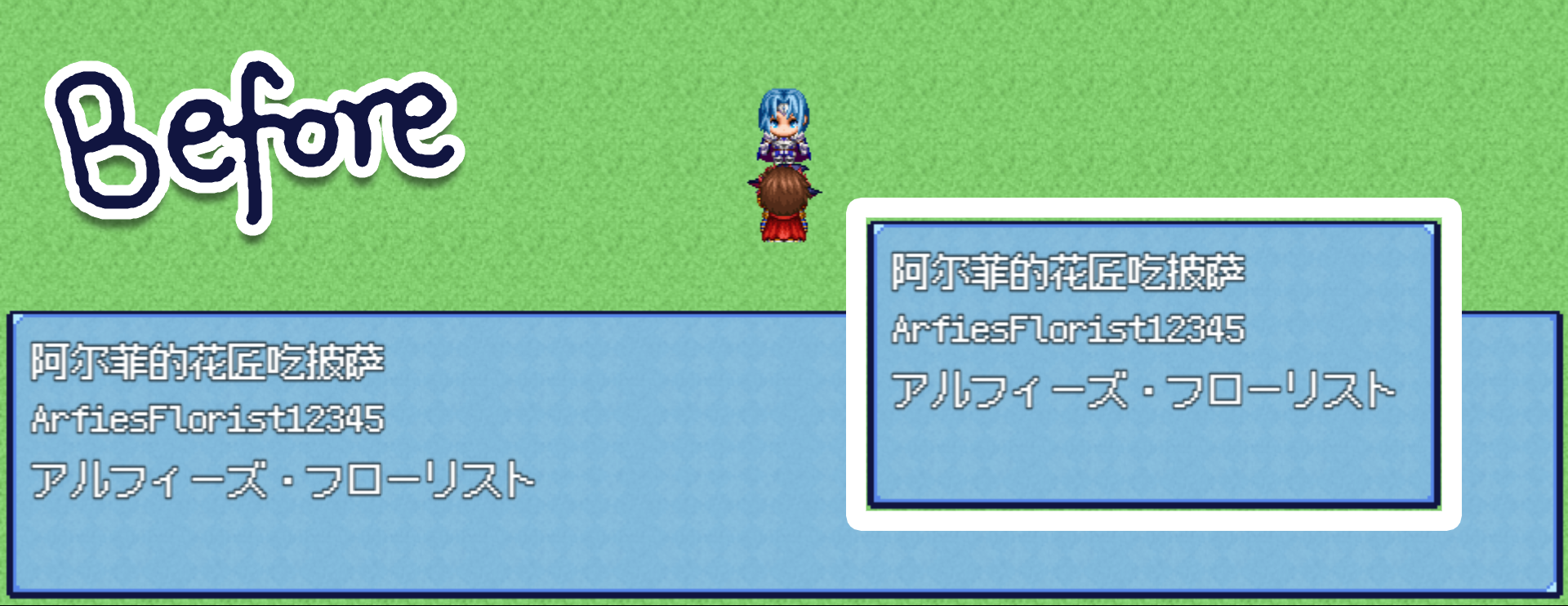
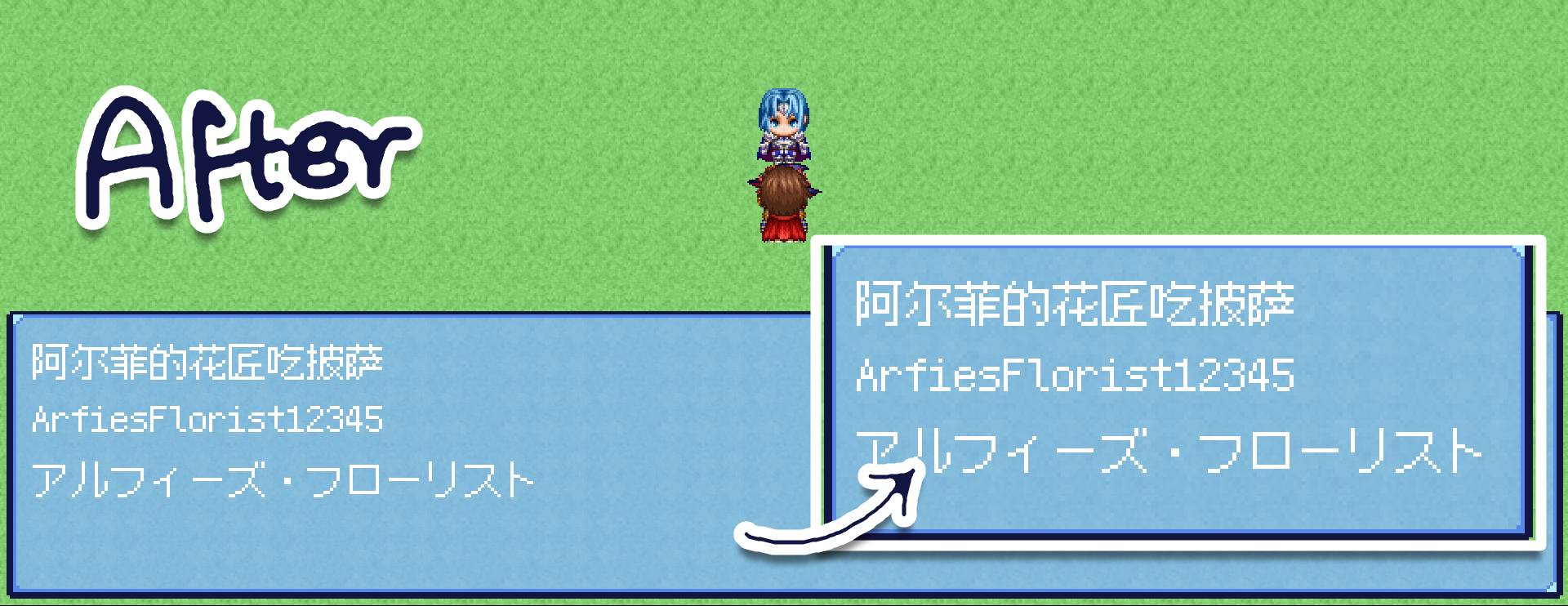
Whenever I started a new pixel-art project in RPG Maker MZ, handling fonts used to give me a massive headache. Even though there are plugins in the community designed to make fonts look more "pixel-perfect," RM MZ's built-in font rendering always leaves those pesky semi-transparent, blurry anti-aliased edges.
While many people recommend using Bitmap Fonts, working with Chinese requires around 8,000 characters. Having to manually generate a bitmap font of that scale for a modern engine just felt incredibly frustrating.
However, during a happy accident, two plugins clashed and glitched out. Miraculously, their conflicting bugs resulted in a perfectly crisp, non-blurry font rendering in MZ! This spark of inspiration led me to recreate and refine this effect, and now I'm sharing it with all of you.
Admittedly, the rendering method underneath might not be the most "elegant" or perfectly clean standard, but given the overkill performance of modern devices, it shouldn’t cause any lag unless you're rendering a massive wall of text on a single screen.
I'm an artist, not a programmer, so I can't fully explain the technical rendering principles behind it. I might have overcomplicated things or taken the long way around to a simple fix—if so, please excuse my amateur coding! But if this can help anyone else who has been struggling with the same font issue, that’s more than enough for me.
Features
Pure pixel font rendering: Sharp, clean text with zero artifacts, blurring, or bleeding.
 How to Use
- Place Arfies_PixelPerfectText_MZ.js into your project's js/plugins/ directory.
- Plugin Manager and place it at the very top
- Requirement: Must be paired with TDDP_PixelPerfect (or a similar plugin) to ensure pixel-point sampling across the entire screen.
- Font Size: It is recommended to keep your font size at 20 or above for the best readability.
Note: The underlying rendering method isn't the most elegant code-wise, but given the massive performance surplus of modern devices, it shouldn't cause any lag as long as you don't overwhelm the screen with massive walls of text all at once.
Download
Click download now to get access to the following files:
Leave a comment
Log in with itch.io to leave a comment.